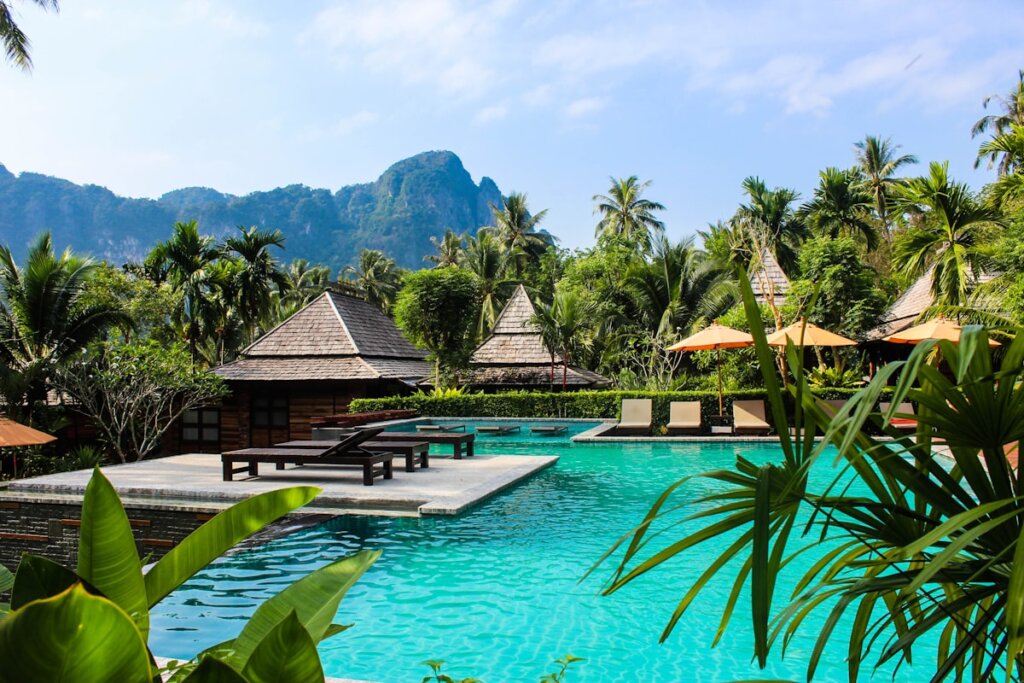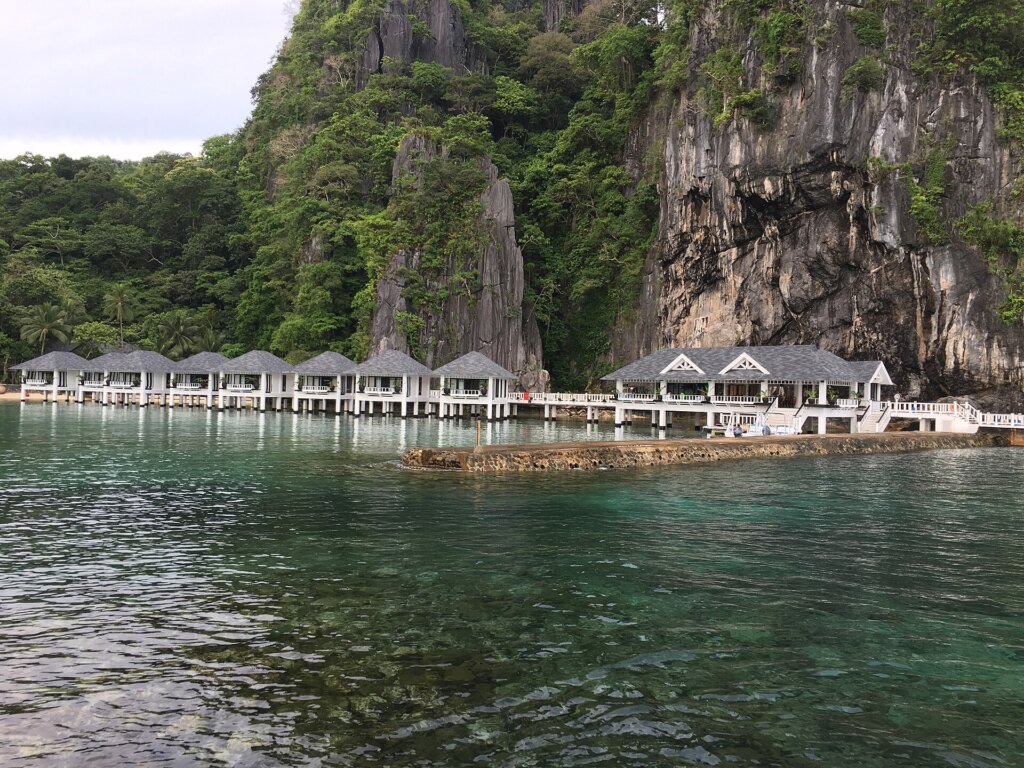

TL;DR: Before booking an El Nido hotel, compare official photos with recent guest photos, reverse-search the hero images, confirm the “beachfront” or “sea view” on satellite maps, and ask the hotel for a current photo of your exact room type.
El Nido is one of the most photogenic places in Asia, and hotel marketing takes full advantage. A turquoise lagoon behind a pool, a “sea view” shot from the rooftop, a room photographed years ago before the humidity set in — these are common reasons travelers arrive disappointed. This guide focuses on verifying hotel photos specifically for travelers booking El Nido accommodation online, especially first-timers and couples paying for a view.
Our unique angle: this is not about fake reviews or scam listings (we cover those separately). It is a practical photo-checking method you can complete in about 20 minutes, using free tools, before you pay a deposit.
Why Photos Mislead in El Nido
Most hotels are not trying to scam you. Photos drift from reality for ordinary reasons:
- Age: galleries are often shot at opening and never updated, while salt air, sun and humidity weather buildings quickly.
- Angles: wide-angle lenses make small rooms look spacious and hide neighbouring buildings.
- Best-room bias: the hero image may show a suite or the single room with an unobstructed view.
- Borrowed scenery: some listings use generic photos of Bacuit Bay or nearby beaches that are not visible from the property.
- Perfect weather: photos are taken on calm, sunny days; in rainy months the beach and view look different.
For the related problem of misleading text reviews, read how to read El Nido hotel reviews for red flags; for outright fraud, see how to spot fake El Nido rental listings.
The 7-Step Photo Verification Method
- Separate official photos from guest photos. Compare the hotel’s gallery with recent traveler photos on booking sites and map listings.
- Check the photo dates. Prioritise guest photos from the last 6–12 months and note renovations or wear.
- Reverse-search the hero images. Use Google Lens or TinEye to see whether a “beachfront view” photo actually belongs to another property or a stock library.
- Confirm the view on a map. Use satellite view and Street View to check what is really between the hotel and the beach.
- Match the room type to the photos. Make sure the photos show the exact room category you are booking, not a suite.
- Look for what is missing. No bathroom, window or exterior photos is a warning sign.
- Ask the hotel for a current photo or short video. A quick message asking for a photo of your room type’s view is a simple, effective test.
Steps one to four take only a few minutes per hotel and eliminate most disappointments. Steps five to seven are worth doing for any stay of three nights or more, or when you are paying a premium for a view.
Tools That Make It Easy
| Tool | What it checks | How to use it |
|---|---|---|
| Google Lens | Where else an image appears online | Upload or long-press the hero photo and look for matches on other listings or stock sites |
| TinEye | Oldest known version of an image | Sort results by “oldest” to see how long a photo has been in circulation |
| Google Street View and satellite maps | Real surroundings, roads and beach access | Drop a pin on the hotel and look toward the sea; check for roads, walls or construction |
| Guest photos on booking platforms | Current condition of rooms and bathrooms | Filter reviews by “most recent” and open the photo tab |
| Hotel messaging (email, chat apps) | Today’s view from your room type | Ask politely for a current photo or 10-second video |
Checking “Beachfront” and “Sea View” Claims
These two labels cause most complaints in El Nido. “Beachfront” should mean the property opens directly onto the sand. In town and in Corong-Corong, some hotels described as beachfront are actually separated from the water by a road, another building or a seawall. Use satellite view to trace a straight line from the hotel to the shoreline.
“Sea view” is even more flexible. It might mean a full panorama of Bacuit Bay from your balcony, or a sliver of blue from the rooftop restaurant. Ask specifically: “Is the sea visible from inside the room I am booking, or only from common areas?” Also ask about upcoming construction — new buildings can block a view within months.
Finally, remember tides. At low tide, some El Nido beaches expose rocks and seagrass, so a photo taken at high tide can look very different from your morning view.
Room Details Photos Often Hide
Hero shots show beds and views; problems tend to live elsewhere. Look for, or ask for, photos of these:
- The bathroom: shower type, water pressure and whether hot water is available — see our guide to hotel showers and hot water.
- Cooling: is there an air-conditioner in the photos, or just a fan? Our aircon vs fan rooms comparison explains why this matters.
- Windows: does the room have an outside window, and what does it face — the street, a wall or a garden?
- Power: generators matter during brownouts; read about hotels with backup power.
- Noise sources: photos of the exterior reveal bars, roads or roosters nearby — useful if you are a light sleeper.
How to Ask the Hotel (Message Template)
Keep it short and specific. For example: “Hello! We are considering your Deluxe Sea View room for 12–15 December. Could you send a current photo or short video of the view from that room type, and the bathroom? Thank you!” A prompt, helpful reply is itself a good sign about service. Silence or a reply with the same marketing photos tells you something too.
Area-by-Area Photo Checks
El Nido town (Poblacion): buildings are packed tightly, so “sea view” rooms on lower floors are often blocked by neighbours. Look for photos taken from the balcony at the height of your room, and check whether the beach in front is used for boats — town beach is a working harbour, not a swimming beach.
Corong-Corong: famous for sunsets, and many hotels genuinely face the water. But some sit on the inland side of the main road. Satellite view shows instantly which side a property is on.
Caalan and Marimegmeg (Las Cabanas): hillside properties often have spectacular elevated views but long staircases; photos rarely show the climb. Ask about steps if you have mobility concerns or heavy luggage.
Lio Estate: newer, planned development with consistent standards; photos are usually current, but check how far your specific hotel is from the beach and airport.
Nacpan and the north: remote beach stays can look idyllic online; confirm electricity hours, Wi-Fi availability and travel time to town, which photos never show.
Red Flags and Green Flags
| Red flags | Green flags |
|---|---|
| Same photo appears on another property’s listing | Recent guest photos match the official gallery |
| No bathroom or exterior photos | Photos of every room category, including standard rooms |
| Heavy filters, very saturated water | Natural colours and some cloudy-day photos |
| View photos taken from drone height only | Balcony-level photos that show surrounding buildings |
What to Do If Reality Doesn’t Match
If you arrive and the room clearly differs from what was advertised, act quickly and calmly. Take your own photos, compare them with the listing on your phone, and speak to the front desk the same day — many hotels will move you to a better room if one is available. If the issue is serious and unresolved, report it through the platform you booked on with your evidence. Booking flexible rates for the first night or two gives you more leverage. For trustworthy options, browse our El Nido accommodation rankings, where we prioritise properties with consistent guest feedback.
One more habit worth building: save screenshots of the listing photos, room description and price at the moment you book. Listings change, and having a dated copy makes any later conversation with the hotel or the platform much easier and faster to resolve. If quiet matters as much as the view, pair this method with our guide to quiet rooms in El Nido.
Key Takeaways
- Official photos are often old, wide-angle and taken on perfect days.
- Reverse image search catches borrowed or recycled “view” photos in seconds.
- Satellite and street-level maps reveal whether a hotel is truly beachfront.
- Check bathroom, window, cooling and power — not just the bed and the view.
- A polite request for a current photo is the single best test of a listing.
Frequently Asked Questions
Why do El Nido hotel photos sometimes look better than reality?
Official galleries are often shot on perfect days with wide-angle lenses, may be several years old, and sometimes show the best room or a neighbouring view. Sea air and humidity also age buildings quickly.
How can I tell if a hotel is really beachfront in El Nido?
Use satellite view on a map app to check whether a road, other buildings or a seawall separate the property from the sand, and search recent guest photos taken from the beach.
Is it OK to ask a hotel for current photos?
Yes. Reputable El Nido hotels are used to guests asking for a recent photo or short video of a room type or view, especially for longer or high-value stays.
What is a red flag in hotel listing photos?
Missing bathroom or exterior photos, images that appear on other listings, heavy filters, and only close-up shots of décor rather than whole rooms are all warning signs.
Should I avoid hotels with only a few guest photos?
Not necessarily — new or small properties may have few reviews. Compensate by asking for recent photos, checking the map and choosing a flexible cancellation rate.
About the Author
This guide was compiled by the El Nido Hotels Ranking editorial team, with input from local operators and ongoing on-the-ground updates.