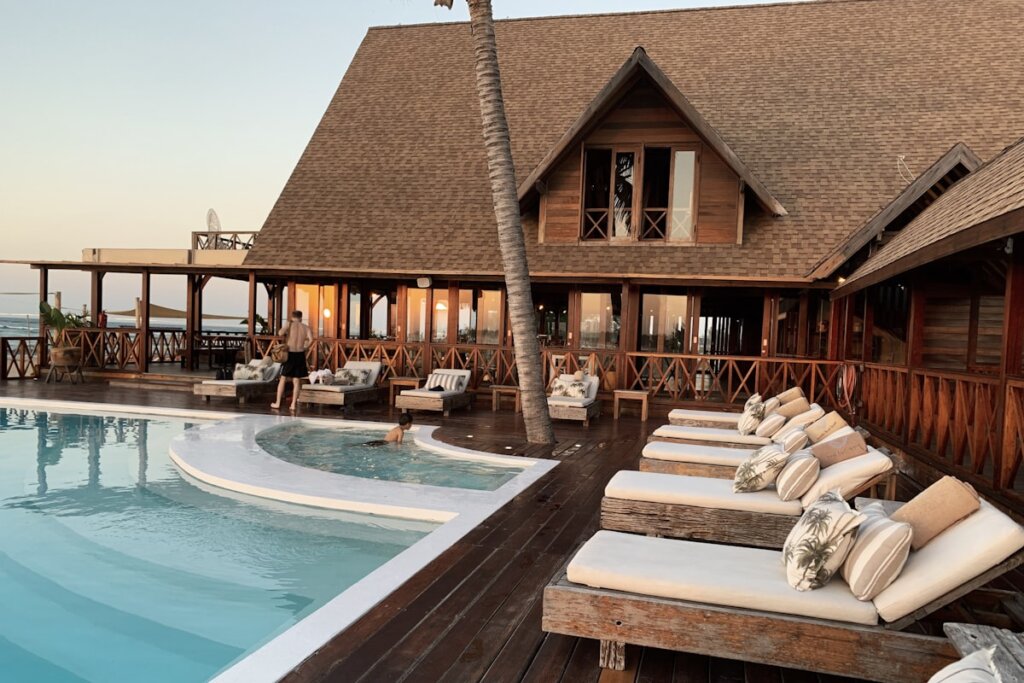

For reliable video calls in El Nido, stay in town proper, Corong-Corong or the Lio estate, pick a hotel that confirms fiber or Starlink plus a generator, and carry a Globe or Smart data SIM as backup; remote beaches such as Nacpan and Sibaltan and most island resorts are best treated as “offline days.”
El Nido’s internet has improved dramatically since satellite and fiber options spread across the municipality, but quality still varies from one street to the next. This guide focuses on choosing a hotel specifically for travelers who must take live video calls — remote workers, managers on “workations,” therapists, teachers and consultants — rather than for casual browsing. Instead of naming hotels whose setups change month to month, we rank the areas, show what to ask before booking, and give you a testing checklist for the first hour after check-in.
Looking for a desk outside your room? Our best cafes for remote work and coworking and Starlink cafes guides cover daytime options.
What “Video-Call Ready” Actually Means
A hotel that advertises “free WiFi” can still fail a Zoom meeting. For stable HD calls you need roughly 5–10 Mbps upload, latency under about 100 ms and, most importantly, consistency. In El Nido the three biggest threats are shared bandwidth in the evening when guests stream, brownouts that knock out routers, and weak signal in rooms far from the access point. Ask hotels for all three: connection type, backup power and whether there is an access point near your room.
You can run your own measurements with Ookla Speedtest; pay attention to upload and jitter, not just download speed.
Ranked: The 7 El Nido Areas for Video Calls
1. El Nido town proper (Poblacion)
The densest concentration of fiber connections, cafes with backup internet and strong 4G/5G coverage. The trade-off is noise: karaoke, tricycles and construction can interrupt calls, so ask for a room away from the street.
2. Corong-Corong
Just south of town, with many mid-range hotels that have invested in fiber or Starlink to win remote-worker business. Quieter than town and with sunset views for after work.
3. Lio Estate (near Lio Airport)
The planned Lio tourism estate has newer infrastructure, good mobile signal and hotels built in recent years. It is ideal if you want calm and reliable power, though you will need tricycles to reach town. Compare stays in our hotels near Lio Airport ranking.
4. Marimegmeg / Las Cabanas
Mixed: some resorts have satellite internet and generators; smaller guesthouses may rely only on mobile data. Confirm in writing before booking.
5. Caalan and the hillside north of town
Hillside hotels often get good mobile signal thanks to elevation, but steep access and occasional power interruptions make backup power essential.
6. Nacpan, Duli and the far north
Beautiful, but connectivity depends heavily on individual properties. Some have Starlink; many do not. Plan these as weekend or offline days.
7. Island resorts and Sibaltan
Private island resorts typically have internet for guests, but they are designed for disconnection, and bandwidth may be shared across the island. Sibaltan on the eastern coast is the most remote option of all.
Area Comparison at a Glance
| Area | Typical connection types | Mobile data backup | Power stability | Noise level | Video-call score |
|---|---|---|---|---|---|
| Town proper | Fiber, Starlink | Strong | Medium (some generators) | High | ★★★★☆ |
| Corong-Corong | Fiber, Starlink | Good | Medium–good | Low–medium | ★★★★☆ |
| Lio Estate | Fiber, Starlink | Good | Good | Low | ★★★★☆ |
| Marimegmeg / Las Cabanas | Starlink, mobile | Fair | Varies | Low | ★★★☆☆ |
| Caalan / hillside | Mobile, some fiber | Good (elevation) | Varies | Low | ★★★☆☆ |
| Nacpan / Duli | Starlink at some properties | Weak–fair | Varies | Very low | ★★☆☆☆ |
| Island resorts / Sibaltan | Satellite, shared | Weak | Generator-based | Very low | ★★☆☆☆ |
Questions to Ask Before You Book
- What is your connection type? Fiber or Starlink is ideal; “LTE router” means you are sharing mobile data.
- Do you have a generator or battery backup that powers the router? Some generators run only lights and fans. Read our guide to hotels with backup power.
- Is there an access point in or near my room? Signal through concrete walls drops fast.
- Can you send a recent speed test screenshot? Good hotels will happily do this.
- Is there a desk and a proper chair? Many beach rooms have only a bed and a balcony stool.
- Is there a quiet indoor space for calls? Lobbies with music or roosters outside are common problems.
Red flags in hotel listings
- “WiFi in common areas only.” This usually means a single router at reception and nothing usable in rooms.
- Reviews mentioning “WiFi down during brownouts.” Search reviews for the words “brownout,” “generator” and “Zoom” before booking.
- No desk in room photos. If the listing shows only a bed, a hammock and a balcony, you will be working on your lap.
- Very cheap rooms in a party area. Hostels and bars near the beach in town can be loud until late, which matters for evening calls with the Americas.
- Vague answers. A hotel that cannot say whether it has fiber, Starlink or a mobile router probably has the last.
Room types that work best
Upper-floor rooms closer to the router tend to get the strongest signal, while detached beach cottages and garden bungalows are often the weakest. Family rooms and suites usually include a table that doubles as a desk. Rooms with air conditioning help on long call days; working through a humid afternoon in a fan room is draining, and laptops overheat. If you plan to stay a week or more, ask for a long-stay rate that includes a guaranteed room near the access point. Monthly-rental apartments in town and Corong-Corong are another route; many advertise dedicated fiber lines because they target remote workers.
Booking through an OTA? Message the property through the platform so the answer is on record.
Your Backup Stack: SIMs, eSIMs and Power
Even with a great hotel connection, carry a second network. Globe and Smart both cover El Nido town well, and DITO coverage has been expanding; compare plans in our SIM card and eSIM comparison. A travel eSIM can be installed before you land, but local SIMs are usually cheaper for heavy data use. Remember that all Philippine SIMs must be registered under the SIM Registration Act; registration information is available through the Department of Information and Communications Technology.
Also pack:
- A 20,000 mAh power bank that can charge a laptop via USB-C PD.
- Wired earbuds or a headset with a noise-cancelling microphone.
- A small travel router if you will share one connection between devices.
- A universal adapter; Philippine outlets are typically Type A/B/C at 220V.
If you need serious satellite redundancy, our satellite internet for remote work guide explains how Starlink setups work in the area, and Starlink’s coverage map shows service availability.
The First-Hour Test After Check-In
Do this before your first meeting, ideally on arrival day:
- Run three speed tests: one in your room, one at the desk, one at the lobby. Note upload and jitter.
- Make a two-minute test video call to a friend or a test meeting link.
- Test your mobile hotspot from the same spot as a fallback.
- Ask staff what time brownouts usually happen and how long the generator takes to start.
- Run another test around 8 pm, when evening streaming peaks.
If results are poor, ask to change rooms immediately. Front desks are far more flexible on day one than mid-stay.
What to do if the connection fails mid-call
Keep your phone hotspot switched on but not connected, so you can swap networks in seconds. Turn off your camera first if video freezes; audio needs a fraction of the bandwidth. Keep a cafe with backup internet within a five-minute tricycle ride as your emergency office, and let colleagues know in advance that you are in a destination with occasional brownouts so a dropped call is not a surprise.
Time zones and scheduling
The Philippines is on UTC+8 year-round with no daylight saving time. That means early-morning calls with Europe and late-evening calls with North America. Schedule important meetings in the morning when networks are quieter and before island-hopping departures, and avoid booking full-day tours on days with critical calls, as boat tours are effectively offline for 6–8 hours. For a broader remote-work plan, see our El Nido digital nomad guide.
Key Takeaways
- Town proper, Corong-Corong and Lio Estate are the most reliable areas for daily video calls.
- Ask hotels for connection type, backup power for the router and a recent speed test.
- Prioritize upload speed and consistency over headline download speed.
- Carry a registered Globe or Smart SIM as a hotspot backup.
- Test the connection on arrival and again around 8 pm before relying on it.
- Treat Nacpan, Sibaltan and island resort days as offline days for work.
Frequently Asked Questions
Is the internet in El Nido good enough for Zoom calls?
Yes, in most of town proper, Corong-Corong and Lio Estate, provided your hotel has fiber or Starlink and backup power. Remote beaches and islands are less reliable.
Which area of El Nido is best for remote workers?
Corong-Corong and Lio Estate balance reliable connectivity with quieter surroundings; town proper has the most options but more noise.
Do El Nido hotels have backup power?
Many mid-range and upscale hotels have generators, but not all power the WiFi router. Ask specifically whether the router stays on during brownouts.
Should I get a local SIM in El Nido?
Yes. A registered Globe or Smart SIM is an inexpensive backup hotspot. Travel eSIMs work too but are often pricier for heavy data use.
What upload speed do I need for video calls?
Plan on at least 5–10 Mbps upload with low jitter for stable HD video calls.
About the Author
This guide was compiled by the El Nido Hotels Ranking editorial team, with input from local operators and ongoing on-the-ground updates.