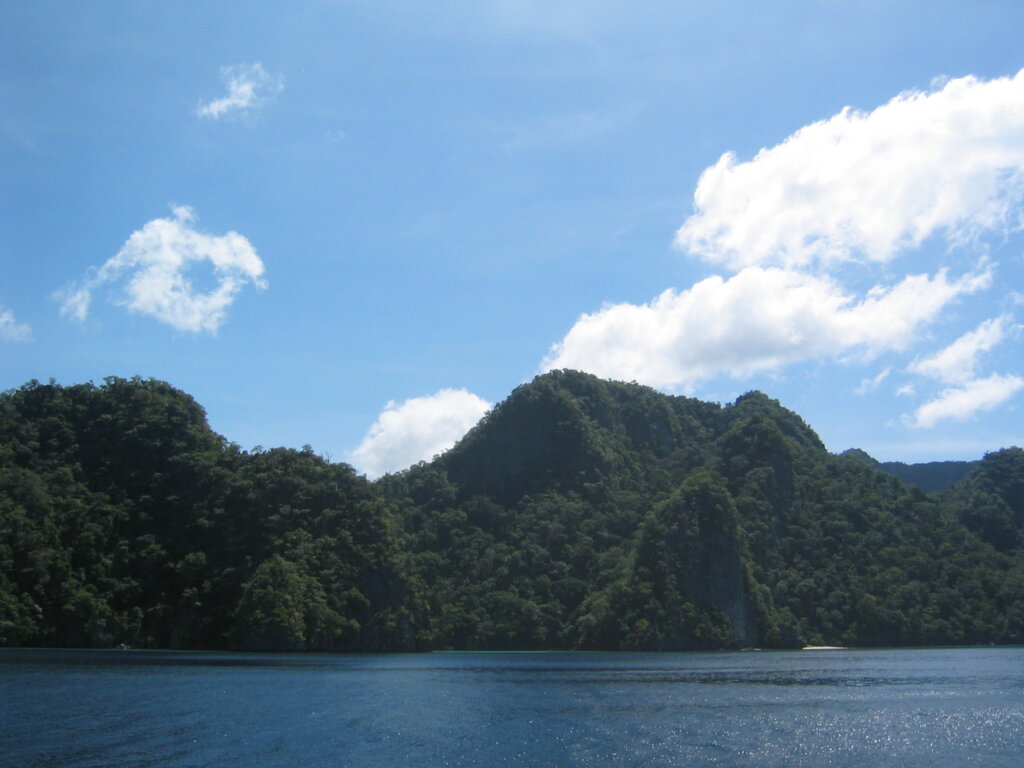

Working remotely from a limestone-ringed bay sounds perfect until a video call freezes mid-sentence. This guide focuses on internet options in El Nido specifically for remote workers and digital nomads who need a connection that holds up for calls, uploads and deadlines. It compares mobile data, fixed broadband and satellite service, explains what to ask a host before booking, and shows how to build a backup plan. Speeds, prices and coverage change quickly, so treat every figure here as a starting point and test before you commit.
- The Reality of Connectivity in El Nido
- Your Main Connection Options Compared
- Mobile Data: Your First Line of Defence
- Satellite Internet: When It Makes Sense
- Power Is Half of Your Internet Problem
- Testing a Connection Before You Commit
- Choosing Where to Stay as a Remote Worker
- Building a Backup Plan
- Budgeting for Connectivity
- A Sample Remote Work Week
- Staying Productive Away From the Desk
- Frequently Asked Questions
The Reality of Connectivity in El Nido
El Nido is a small town on a remote stretch of northern Palawan, and its internet reflects that. Central areas near the beachfront usually have the best coverage, while outlying beaches, hillside villas and island resorts can be patchy. Weather matters too: heavy rain and strong wind can slow mobile towers, and a brownout can take down routers and local equipment even when the wider network is healthy.
Because conditions vary street by street, never rely on a listing that simply says “Wi-Fi available”. Ask for a recent speed test screenshot taken in the actual room, at a busy hour such as the evening, and ask whether the property uses fibre, a mobile hotspot or a shared connection.
Your Main Connection Options Compared
| Option | Best for | Typical strengths | Typical weaknesses |
|---|---|---|---|
| Fixed fibre or broadband at your stay | Long stays in town | Stable once installed; good for calls and uploads | Not available everywhere; installation can take time; shared with other guests |
| Mobile data (4G/5G SIM) | Flexible short stays, backup | Easy to buy, works on the move | Varies by location and time of day; data caps |
| Satellite (Starlink or similar) | Remote villas and off-grid stays | Works where towers and cables do not reach | Needs a clear sky view, power and equipment; cost |
| Cafe or coworking Wi-Fi | Short sessions | No equipment to carry | Shared bandwidth; noise; limited hours |
| Resort or hotel Wi-Fi | Light work | Included in rate | Often slow at peak hours; rarely guaranteed |
Mobile Data: Your First Line of Defence
The three major Philippine mobile networks, Smart, Globe and DITO, all operate in Palawan, but performance differs by neighbourhood. The practical approach is to carry two SIMs or an eSIM plus a physical SIM, test both on arrival, and keep the better one as your main line. Buy data in larger bundles for the first week, then adjust. Use an unlocked phone and check that it supports the frequency bands used locally.
When you need a laptop connection, a pocket hotspot or tethering from your phone usually works for email and chat. For large uploads, schedule them for early morning when fewer visitors are online. Our guide to power plugs and charging explains the adapters and surge protection you should pack alongside your devices.
Satellite Internet: When It Makes Sense
Satellite service has become a realistic option in the Philippines in recent years, and the dish-based services such as Starlink are marketed at places that fixed networks do not reach. For a remote worker, the question is whether you are staying somewhere with no reliable alternative. A hillside house, a beach hut or a private island stay may benefit most. Check the provider’s current coverage map, plan prices and hardware rules, because availability and terms for the Philippines can change.
If you plan to bring your own dish, confirm that the service is legally permitted for the plan you buy and that roaming or travel use is allowed. Some plans restrict use to a registered address. The Philippine regulator, the Department of Information and Communications Technology, publishes information on telecom rules, and it is worth reading before you import equipment.
Satellite is not magic. The dish needs an unobstructed view of the sky, so palm trees, cliffs and roofs matter. It also needs steady power, which brings us to the next point.
Power Is Half of Your Internet Problem
A fast connection is useless without electricity. Brownouts in northern Palawan are common enough that every remote worker should plan around them. Read our guide to power outages and brownouts to understand typical patterns, then ask each host whether the property has a generator or inverter. Many hotels now advertise backup systems, as explained in our review of hotels with backup power.
For your own kit, a laptop with a long battery life, a power bank that supports pass-through charging and a small uninterruptible power supply for your router can keep you online through short cuts. Remember that many airlines restrict large lithium batteries, so check the airline rules before you pack.
Testing a Connection Before You Commit
Run several speed tests at different times: morning, mid-afternoon and evening. Look at upload speed and latency, not just download, because video calls depend on both. Free tools such as the Speedtest Global Index show how countries compare, but you should test the exact room where you will work. Also run a continuous ping for a few minutes to spot dropouts. If a host refuses to share a test, treat that as a warning sign.
For video calls, a wired Ethernet cable is more reliable than Wi-Fi if the property provides a port. A cheap USB-to-Ethernet adapter weighs almost nothing and can save an important meeting.
Choosing Where to Stay as a Remote Worker
Town-centre guesthouses often have the best mix of fixed broadband, cafes and food options, but they are also the noisiest. Quieter beaches such as Corong-Corong or Lio offer calmer evenings, though connectivity can be less consistent. Our resort comparison helps you shortlist properties, and you can then message each one with specific questions about internet, power and workspace.
Ask for a proper desk and a comfortable chair, and confirm whether the room has air conditioning during the day, because heat affects both you and your laptop. If you are visiting during typhoon season, read our rainy season travel guide, since storms can disrupt both internet and travel plans.
Building a Backup Plan
Treat redundancy as part of the job. A sensible kit includes a primary connection, a second SIM on another network, an offline copy of important files and a list of cafes you can use in an emergency. Save documents locally, download maps and key files before travelling, and tell clients in advance about your timezone and connectivity limits. If your work involves deadlines, schedule important calls at times when you have tested the connection and avoid depending on it during heavy rain.
Finally, keep digital security in mind. Public networks in cafes and hotels are shared, so use a VPN where legal, enable two-factor authentication and avoid logging in to sensitive accounts on unfamiliar devices.
Budgeting for Connectivity
Internet costs are small compared with accommodation, but they add up over a long stay. Plan for a local SIM with a generous data bundle, a second SIM as backup and, if you rent a house, a share of any broadband installation. Some landlords include internet in the rent, while others expect you to arrange it yourself, and installation of fixed lines in El Nido can take days or weeks. If you are staying only a month or two, a pair of good SIMs and a reliable hotspot is usually more practical than a contract. Ask about deposits and cancellation rules before signing anything, and keep receipts if you need to claim costs as a business expense.
A Sample Remote Work Week
Many nomads in El Nido adopt a rhythm that fits the environment. Mornings, when the network is quiet and the heat is mild, are ideal for focused work and large uploads. Midday is for lunch, a swim and errands. Late afternoon suits calls with clients in later timezones, and evenings are for sunsets and dinner. Keep one flexible day each week for weather: if a storm closes the roads, you can shift deadlines instead of scrambling. Joining an island-hopping trip on a day off, such as our Tour B guide describes, is a good way to switch off completely, since there is no signal on most boats anyway.
Staying Productive Away From the Desk
Download offline maps, music and reading material before heading to remote beaches, and let colleagues know when you will be out of range. Waterproof your gear, too: salt air and humidity are hard on laptops and routers, so store equipment in sealed bags with silica gel packets. Keep chargers and cables organised so a sudden power cut does not leave you hunting for a plug in the dark.
Frequently Asked Questions
Is the internet in El Nido good enough for video calls?
In town and at properties with fibre, yes, usually. Outlying areas can be unreliable, so test the connection at your exact location and keep a backup SIM.
Which mobile network is best in El Nido?
It varies by neighbourhood and changes over time. Carry two networks, test both on arrival and keep the stronger one as your main line.
Can I use Starlink in El Nido?
Satellite service is marketed in the Philippines, but availability, plans and rules change. Check the provider’s current coverage and terms and confirm that your use is permitted.
How do I cope with brownouts while working?
Choose a stay with a generator or inverter, carry a power bank, use a small UPS for your router and save work frequently.
Are there coworking spaces in El Nido?
A few cafes and small workspaces cater to remote workers, but options are limited and change often. Ask your host or check recent listings before relying on one.
Photo: Island lagoon in Bacuit Bay (CC BY 4.0), via Wikimedia Commons.